 New · Free to download
Hampton Mission Partnership App
Watch our Sunday service live, see what’s on this week, read the Bible and get the Verse of the Day, all in one simple app. No account or sign-in needed.
For iPhone, iPad, Android and Apple TV
Everything from Sunday to Saturday
Whether you’re part of our church family or thinking of visiting for the first time, the app helps you join in wherever you are.
Live Services
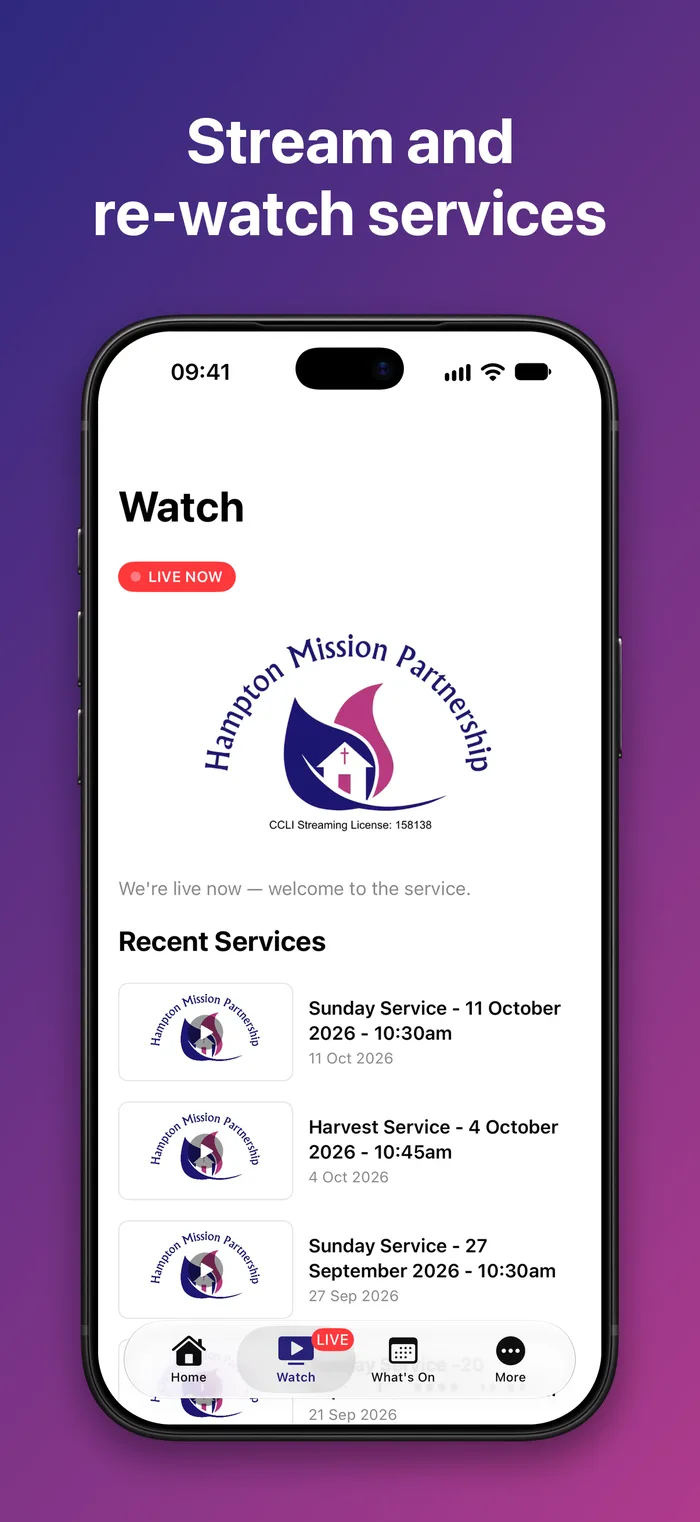
Watch services live. You can also catch up on recent services whenever suits you. On Android, keep watching in Picture in Picture.
Bible In Your Pocket
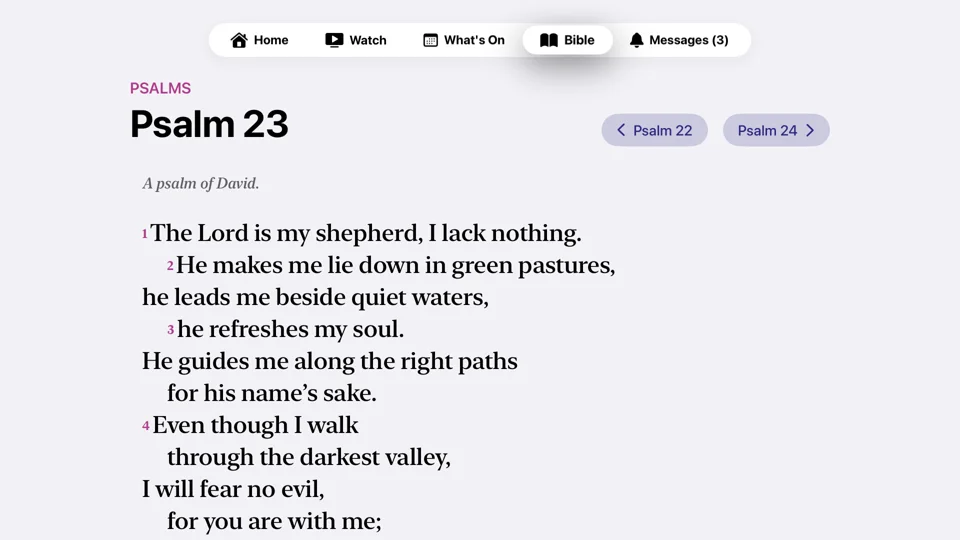
Read any book of the New International Version (Anglicised). Search for a passage like John 3:16 or any word, and Continue Reading takes you back to your place.
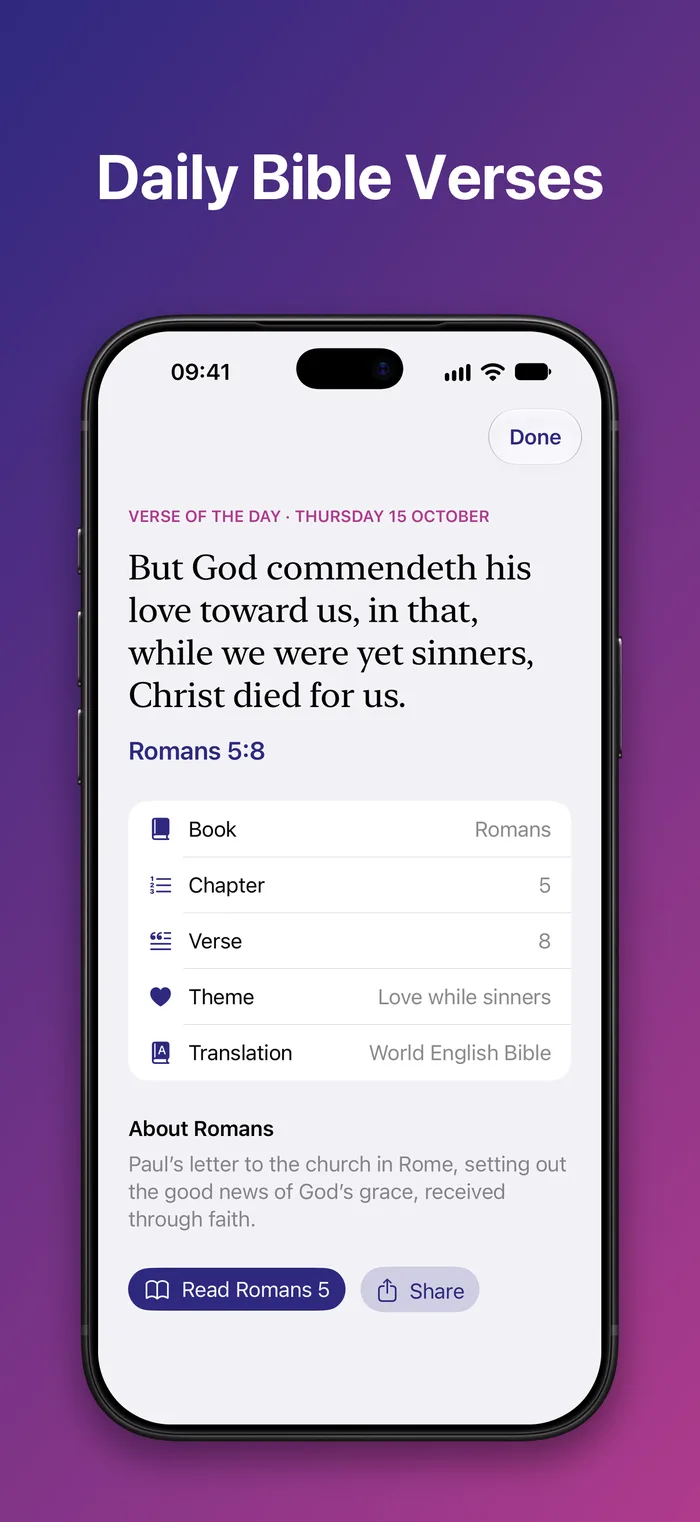
Verse of the Day
A new verse every morning, with background on the book and the whole chapter one tap away.
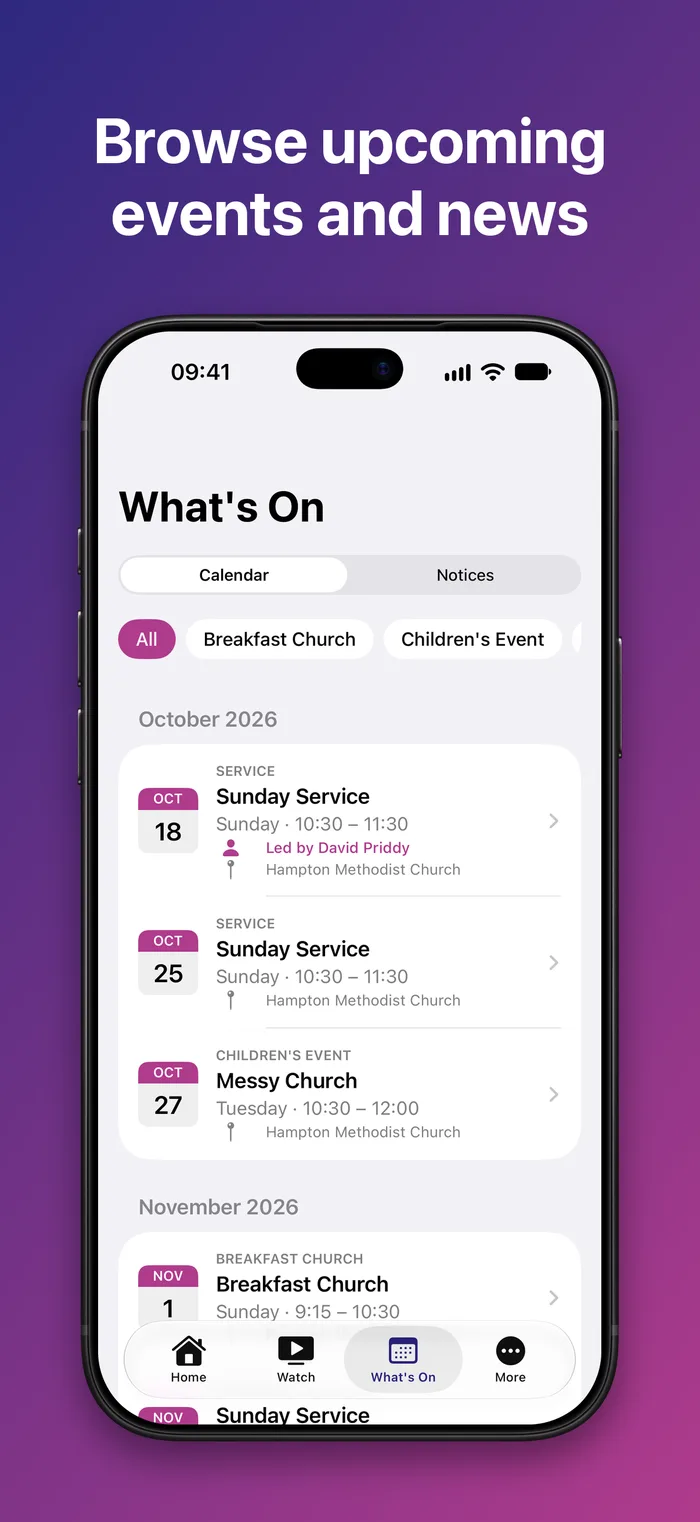
What’s On
Browse events by month or category, add them to your calendar and get directions in one tap.
News and Notifications
Hear about new notices, events and news, and choose which ones you get. Missed one? They’re all kept under the bell on Home.
Service Details
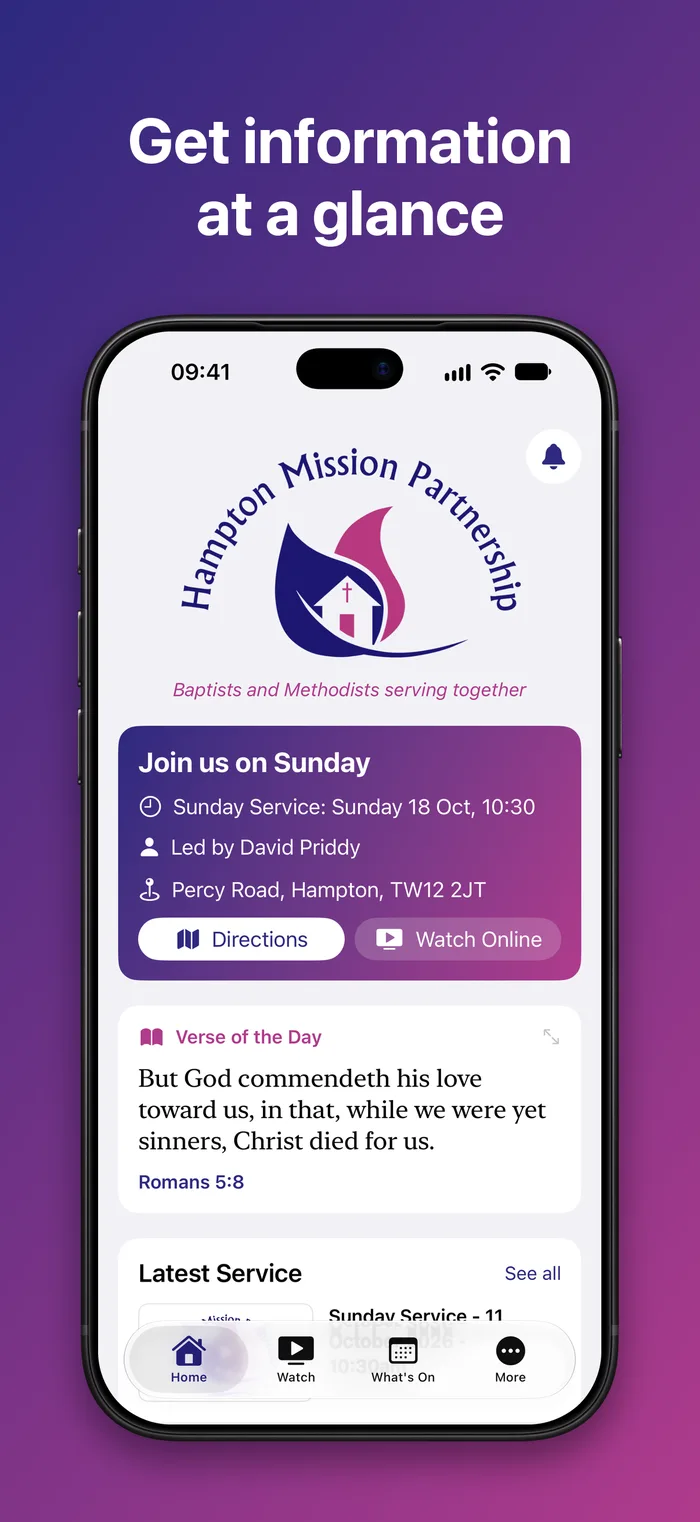
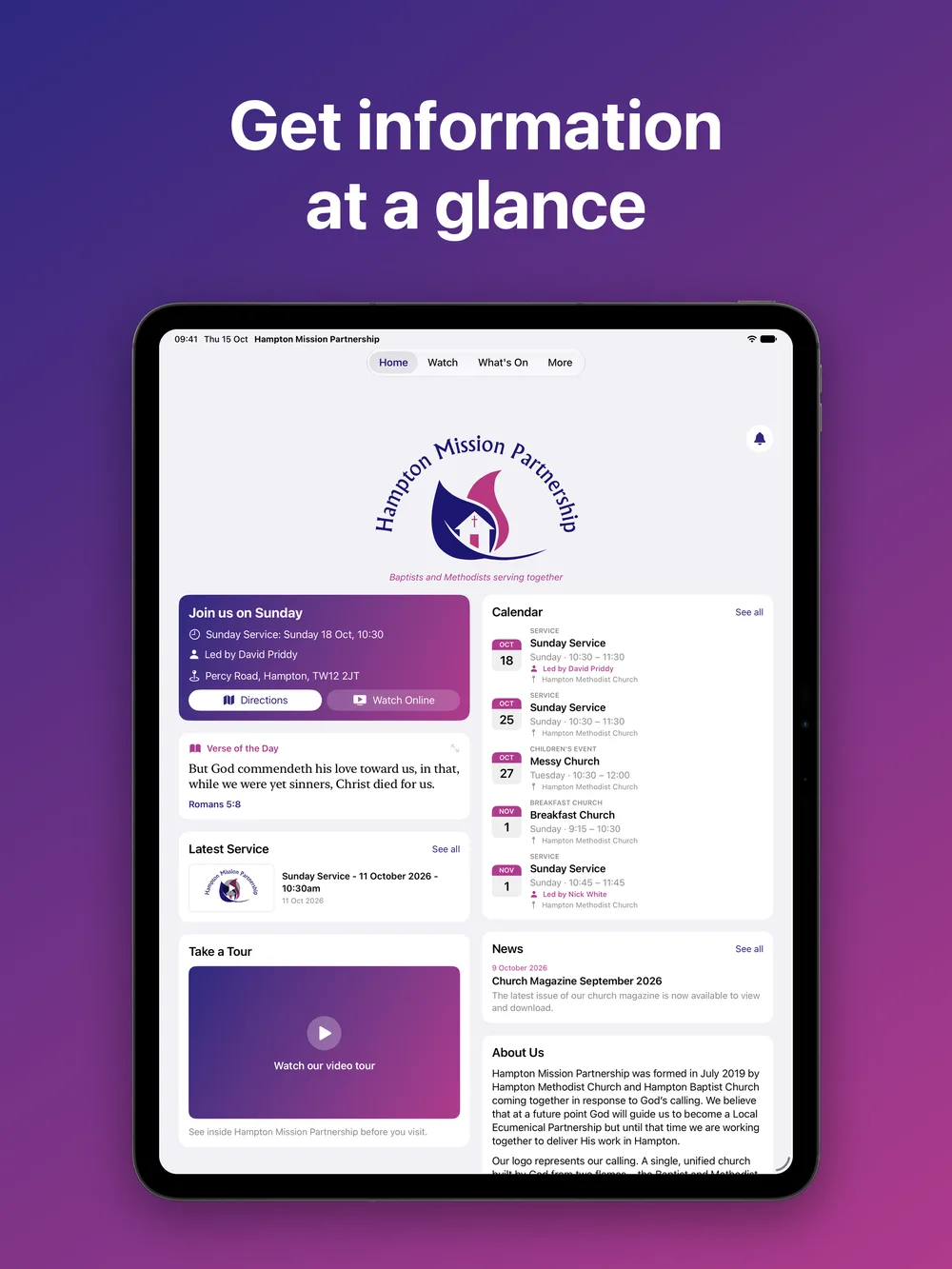
See when the next service is, who’s leading it and where, with directions to Percy Road.
Home Screen Widgets
Put What’s On, Join Us and the Verse of the Day on your Home Screen. During a service, Join Us shows a Watch Live button.
The Big Screen
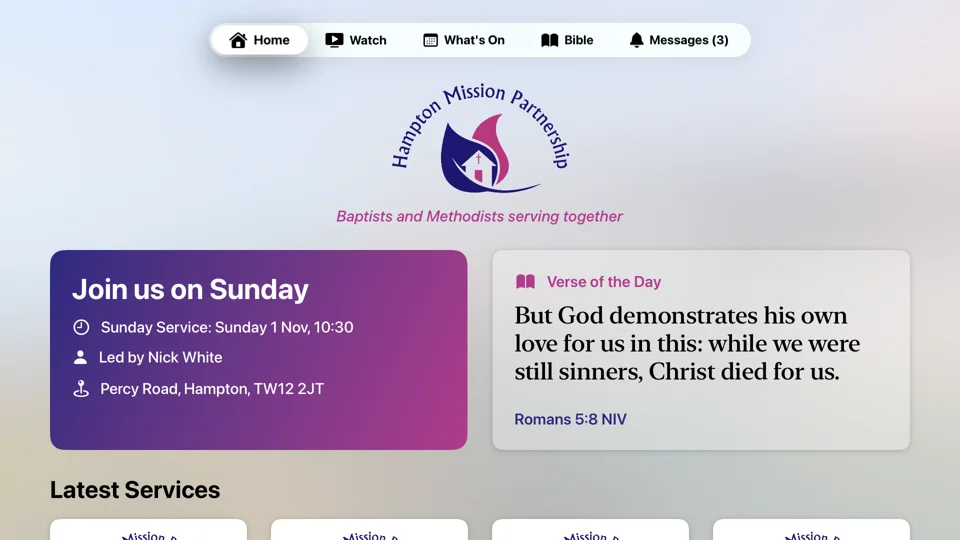
The Apple TV app brings services, What’s On, the Bible and messages from the church to your television.
See it for yourself
Up and running in a minute
Find the app
Search for “Hampton Mission Partnership” in the App Store or Google Play, or tap a button above.
Download and open
It’s free, and there’s nothing to sign up for. A quick tour shows you round, then Home shows this Sunday’s service.
Turn on notifications
Allow notifications to hear when we go live and when there’s news. Change them any time in More › Settings.
Good to know
Does the app cost anything?
No. The app is free, with no adverts and no in-app purchases.
Do I need an account?
No. There’s no login. Just download and open.
Which devices does it work on?
iPhone and iPad (iOS 17 or later), Apple TV (tvOS 17 or later) and Android phones (Android 8.0 or later).
Which Bible translation does it use?
The New International Version (Anglicised), used with permission of Biblica. If it can’t be reached, the app falls back to the World English Bible, which is built in and works without a connection.
Can I change how the app looks?
Yes. In More › Settings you can choose light or dark, and pick which cards appear on Home and in what order. The app also follows your phone’s text size.
What does the app know about me?
Nothing personal. To send notifications it uses an anonymous device code from Google’s Firebase. See our Privacy Policy for details.
Something isn’t working, or I have an idea
Use Send Feedback in More › Settings, or contact us and tell us which phone you have. If you’re enjoying the app, you can rate it or share it with a friend from Settings too.
Now may the God of hope fill you with all joy and peace in believing, that you may abound in hope, in the power of the Holy Spirit.Romans 15:13 (WEB)
Hampton Mission Partnership
Percy Road, Hampton
TW12 3DX
[email protected]
© Hampton Mission Partnership 2026
“May the God of hope fill you with all joy and peace as you trust in him, so that you may overflow with hope by the power of the Holy Spirit.” – Romans 15:13 (NIV)





Website design by Cameron Bools